
Duplicates
Same moment.
Keep the best shot.
Identical and near-identical photos, grouped together. Choose the ones you want to keep.
Find the clutterLess clutter. More memories.
The photo cleaner that makes room for what matters. Swipe right to keep, left to delete. One month at a time.


Pick a month
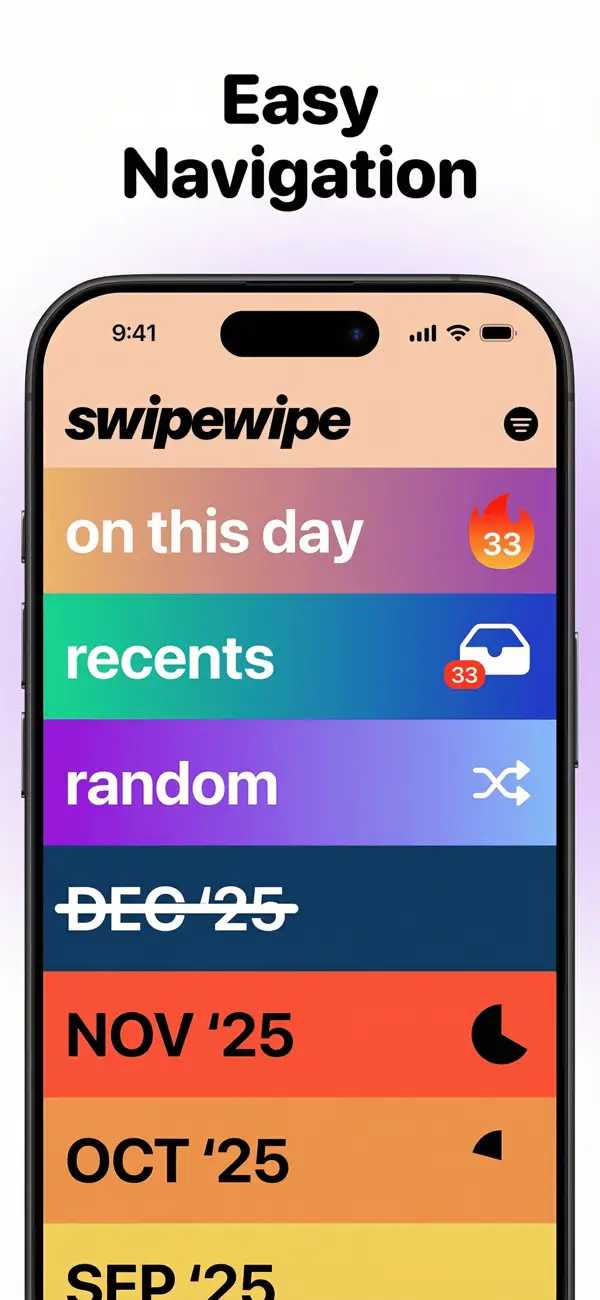
Swipe right to keep
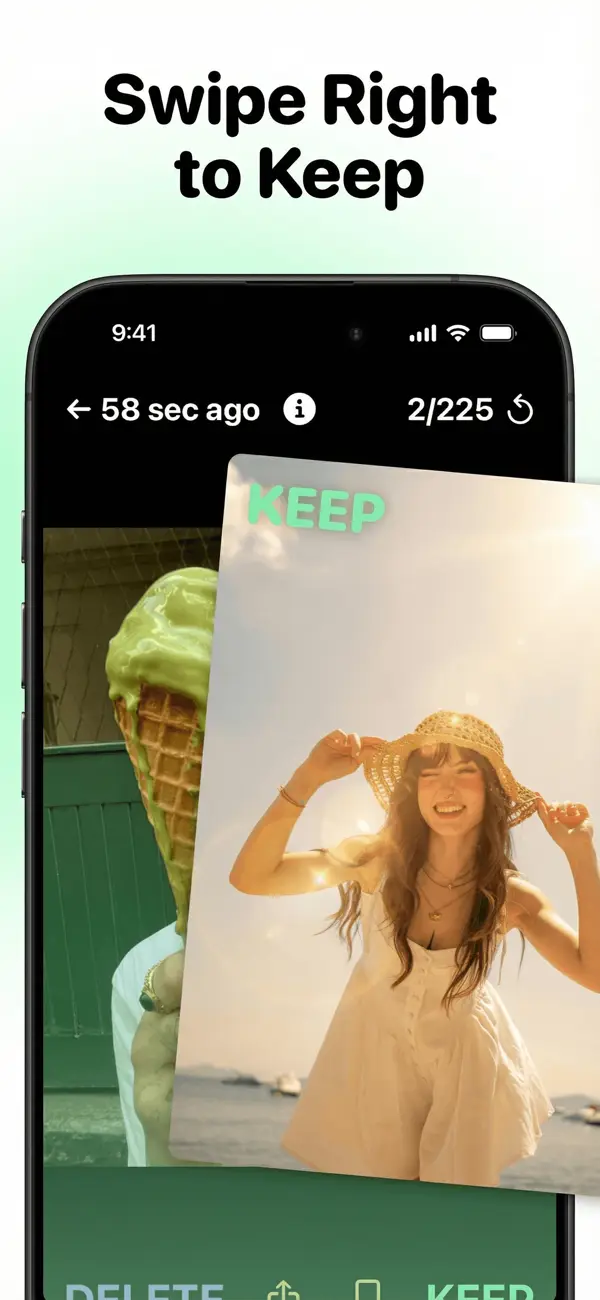
The famous swipe
Keep the photos you love. Clear the screenshots, accidental shots and videos you no longer need. Your camera roll, one simple decision at a time.
See how it works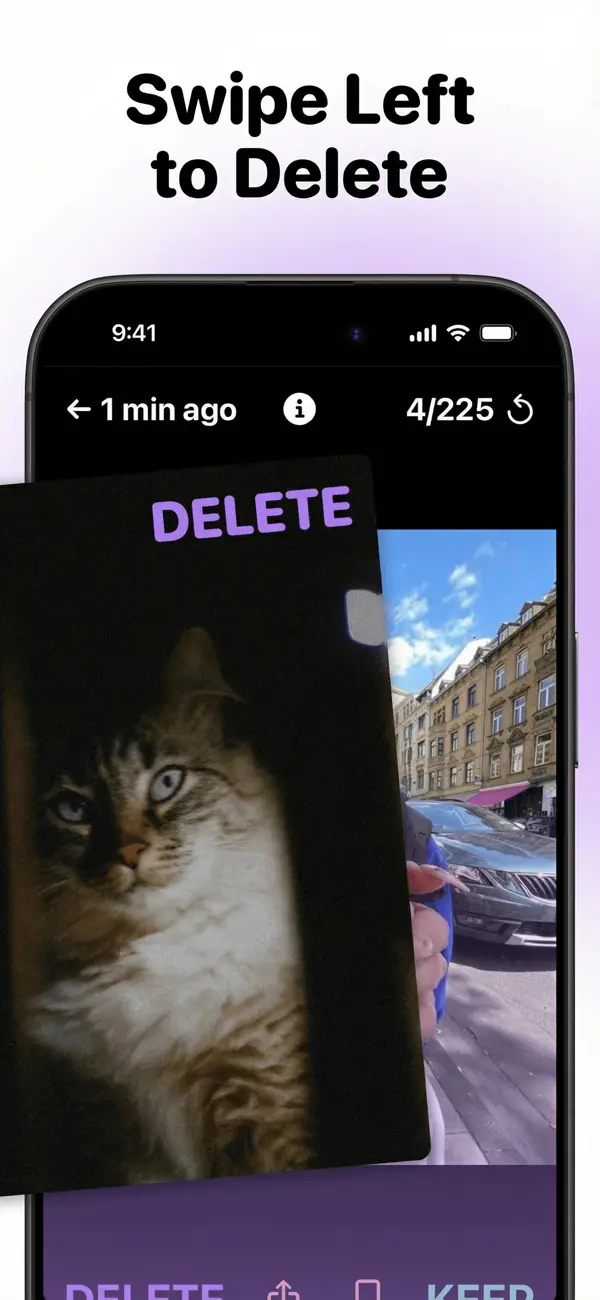
A fresh start, every month
A whole camera roll can feel overwhelming. Start with one month, find your favorites and leave the clutter behind.
Start with last month or dive into an older one. Your progress is saved, so you can come back anytime.
Right to keep. Left to delete. Go through photos and videos, and go back if you change your mind.
Check your selection before you confirm. Finish a month, cross it off and enjoy a lighter camera roll.
On This Day
That holiday. That birthday. That ordinary day you forgot about. Rediscover photos from this day in past years, keep your favorites and clear the rest.
Rediscover your memories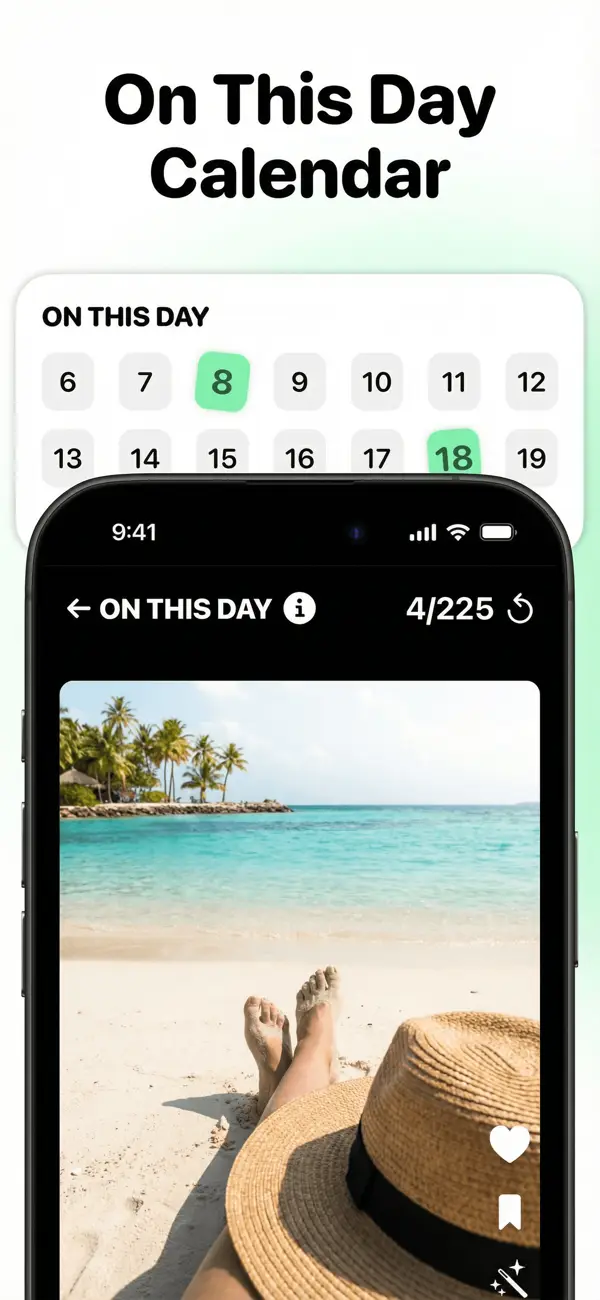
Duplicates
Identical and near-identical photos, grouped together. Choose the ones you want to keep.
Find the clutterPhoto enhancer iPhone
Enhance blurry or low-quality photos with AI, compare before and after, and save the enhanced version as a new photo.
Explore Photo enhancerSupercut iPhone
Watch a Supercut, a highlight reel made from the photos of a month, add music and share it.
Explore SupercutYou’re in control
Swiping left marks a photo for deletion. Review your selection and change your mind before anything is removed.
Your questions, answered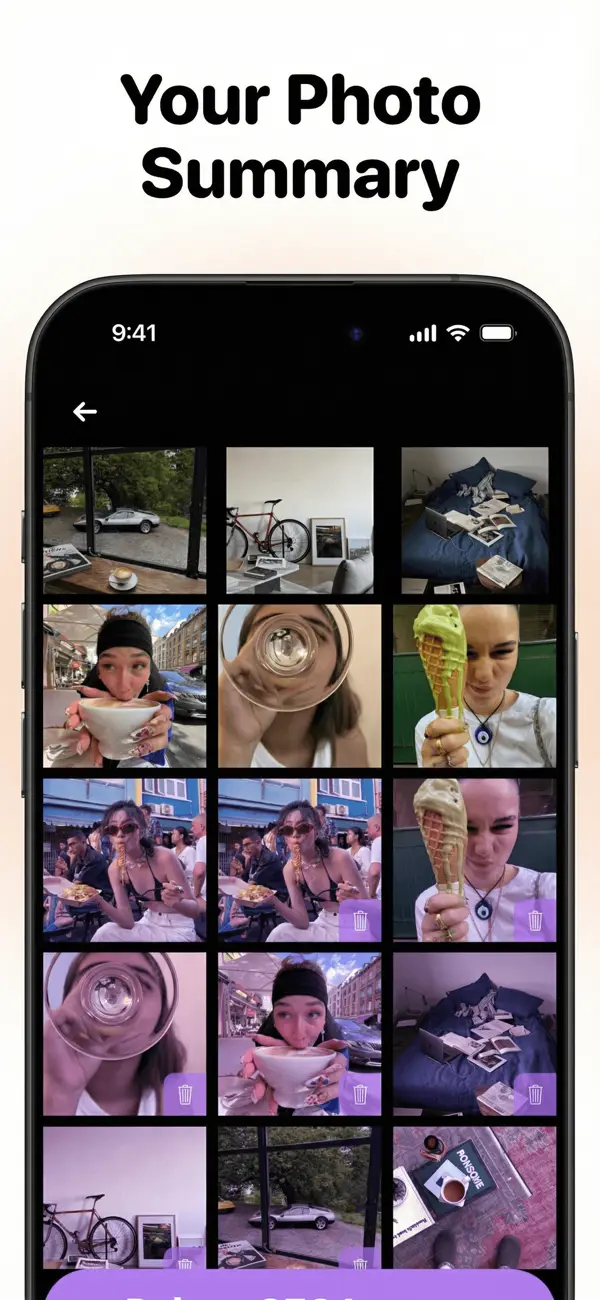
Real reviews from Swipewipe users.
★★★★★
“This app is literally the feeling you get after spring cleaning your house!!! I can’t get enough of it! And it’s so easy to use, I’m addicted. I had 25,000 photos I kid you not, and I have been putting off going through them for a very long time. Now, I have deleted so many photos in such a short time. It’s so satisfying. I also love the statistics section that tells you how many photos you’ve deleted so far.”★★★★★
“Been meaning to sort my photos for years but kept putting it off. Have sorted over 60,000 photos and videos in just a couple of weeks off and on and have cleared nearly 200GB of storage. So easy to use and quick to do. Great to be able to sort by date or number of photos as could clear some smaller months really quickly when I had a few spare minutes.”★★★★★
“I love this app it’s a fun way to look through all your memories just by swiping left or right. Left to delete right to keep, I have no storage before I downloaded the app and ever since I downloaded it I have storage it’s amazing just really amazing I use this app almost every day I absolutely love it thank you so much 11/10 recommend”Featured in
A little advice for your next cleanup.
A month-by-month method to sort thousands of photos in short sessions.
Read the guideMerge detected duplicates in Photos, then compare the similar shots you still want to sort.
Read the guideReview duplicate files with Files by Google and compare similar photos in Swipewipe.
Read the guideCheck your storage, optimize local photos with iCloud and review what you no longer need.
Read the guideCheck local storage, remove safely backed-up copies and sort your remaining photos.
Read the guideCheck Recently Deleted and learn when a photo can still be restored.
Read the guideCheck the right trash folder or a separate backup, depending on how you deleted the photo.
Read the guideLess clutter, more moments worth keeping. Join the Swipewipe community and make room for your favorite memories.
Your favorite photos are in there. Make room for them.

